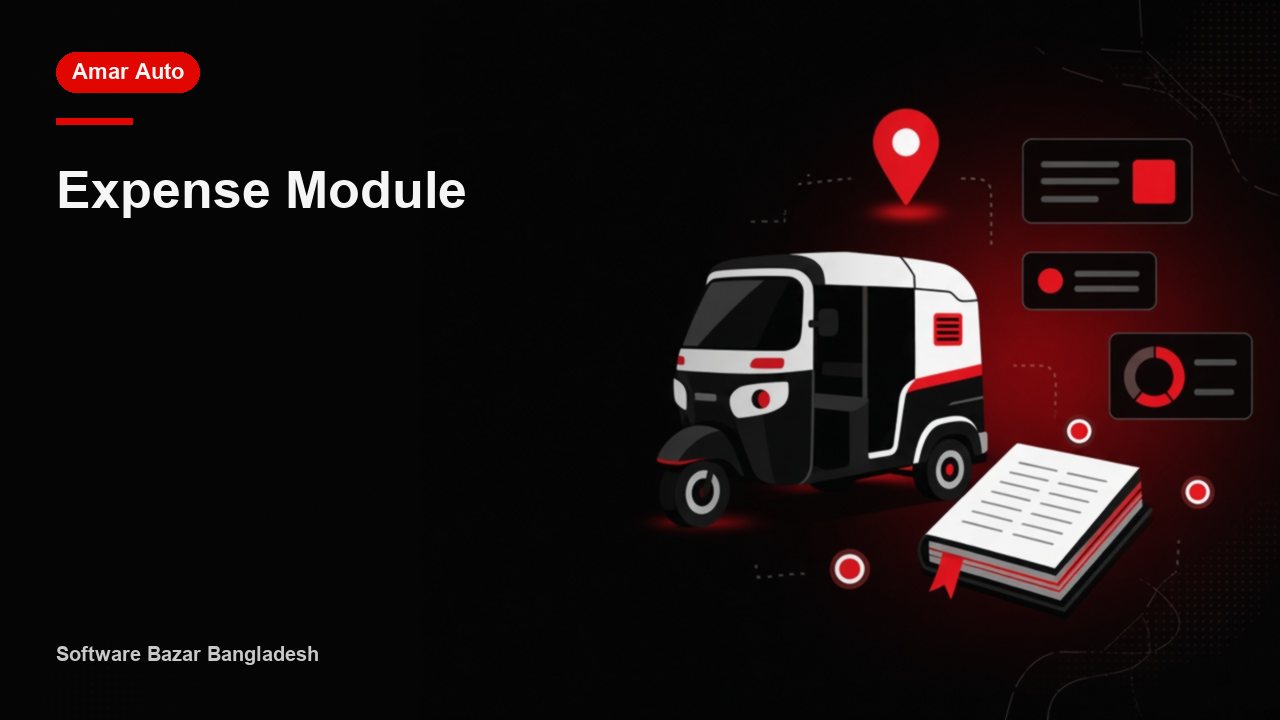
Spending by category — in Amar Auto it stays on one screen, not in a notebook.
Why Expenses matters
Write it once in the app and find it again when you need it. That is why teams put expenses in software instead of chat messages.
What you get
- Record expenses by category (gas, repairs, wages…)
- Create your own expense categories
- Attach a vehicle and a driver to an expense
- Attach a photo of the voucher or bill
- Backdated expenses, taken from any account (cash / bank / bKash)
How to use it
- Open Amar Auto and go to the menu that matches expenses.
- Fill the date, the person or vehicle, and the amount or note.
- Save — the ledger and reports update at once. Open the same row later to edit.
From Software Bazar
Amar Auto is Software Bazar’s tool for অটো, CNG, বাস, গ্যারেজ ও রেন্ট-এ-কারের দৈনিক জমা-খরচ. Setup and training are available from the Uttara office.