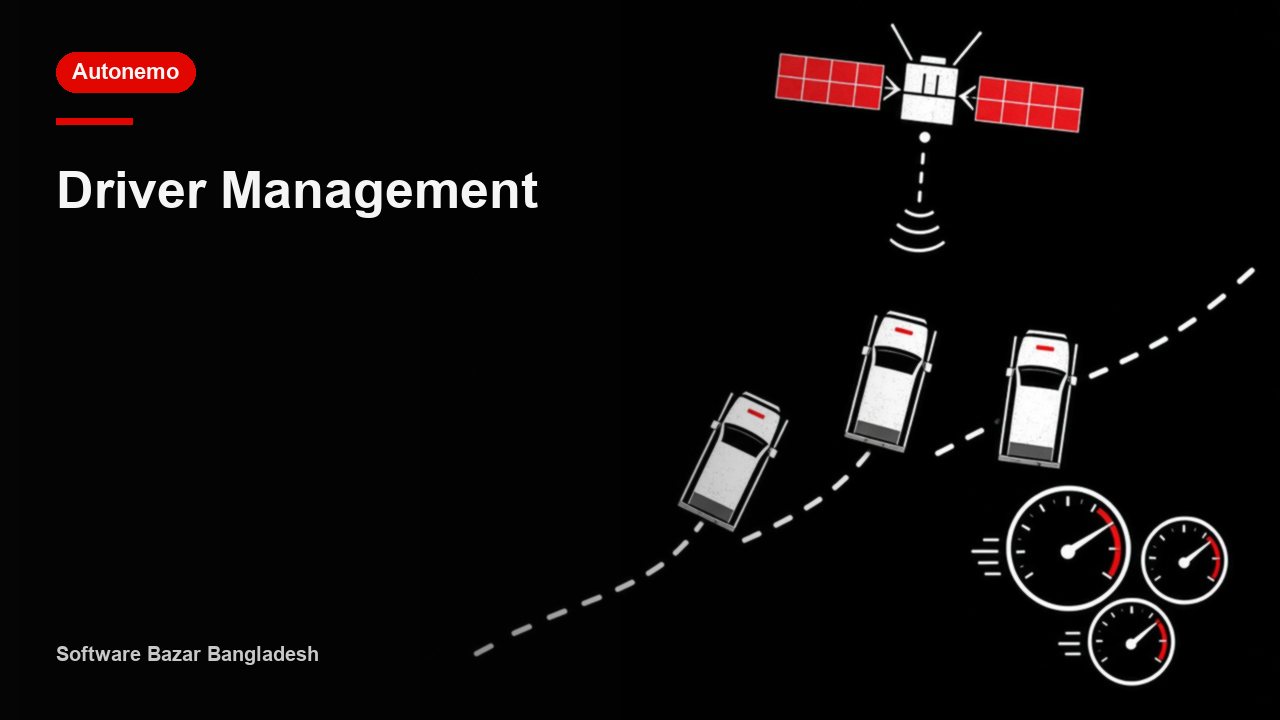

Fleet is a Fleet, Movement & Maintenance module focused on Vehicle add/list, control tower, assignments, compliance, type, and tracker setup. Users typically enter this area for Fleet dashboard, Vehicles, movement, compliance, maintenance. It connects naturally with Vehicle Module, Tracking and GPS Module, follows Fleet, and fits into a workflow shaped by independent navigation flow. In client terms, this module represents a clear operational capability, not just a menu label.
Fleet, Movement & Maintenance
- view
- dashboard
- add
- list
- settings
- transfer
Primary Work Area
Vehicle add/list, control tower, assignments, compliance, type, and tracker setup. This is the main business area users enter when they need to operate or monitor fleet.
What Users Do Here
Key activities include Fleet dashboard, Vehicles, movement, compliance, maintenance, Core vehicle operations control. These are the daily tasks, records, and operational steps most closely tied to this module.
Linked Menus & Screens
Users can move from this module into related screens such as Vehicle Module, Tracking and GPS Module, so this area acts as a gateway into deeper workflows.
Downstream Impact
Changes or records created here also support Trips, Requisitions, Transport, menu_operations_module, Staff Movement, Accidents, and additional connected modules.
Control & Configuration Fit
This module remains aligned with existing control layers such as Fleet, which helps keep enable/disable logic and navigation governance consistent.